
Crossword Game Maker
Make a crossword that people can actually play on their phones and computers. Type your words and clues, and the maker fits them into a grid and turns it into a playable game with keyboard navigation, checking, hints and a timer. Share the link — the whole puzzle is packed into it, so friends, students or party guests can open it and play instantly.
- Free to use
- No sign-up
- Runs in your browser
Crossword game maker
Crossword Party Pack
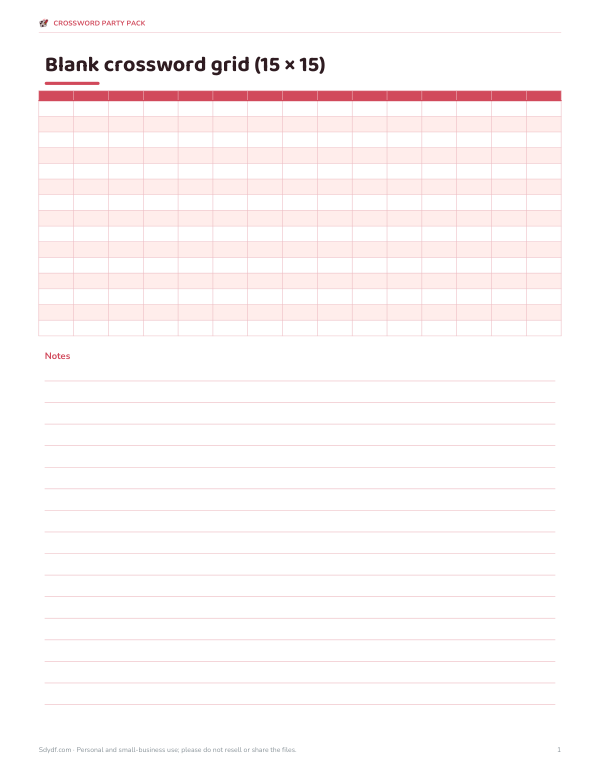
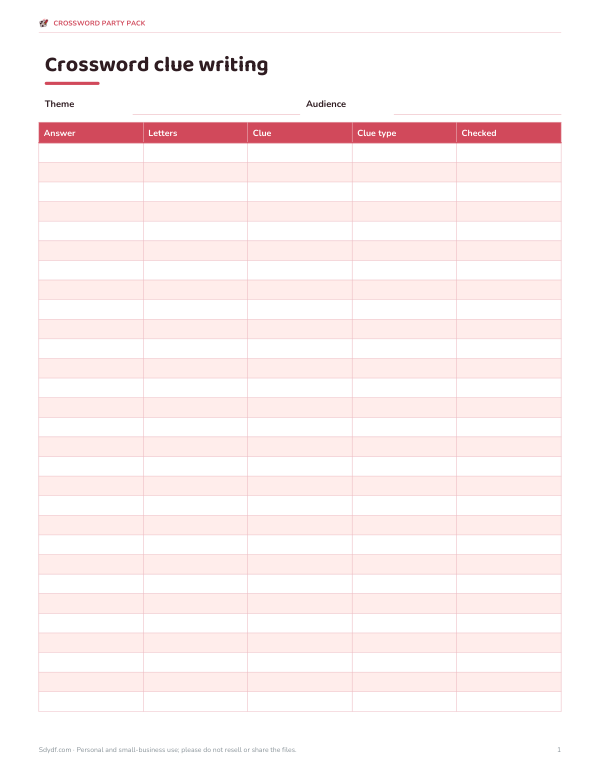
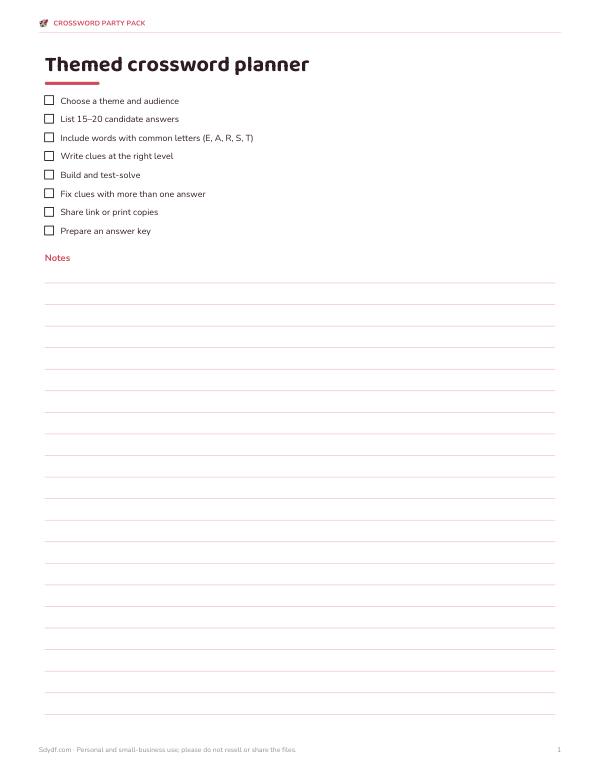
Printable crossword party kit: blank crossword grid templates, a clue-writing worksheet, a themed puzzle planner and certificates for fastest solvers.
- Blank grids (PDF)
- Clue worksheet (PDF/DOCX/XLSX)
- Puzzle planner (PDF/DOCX)
- Certificates (PDF)
Formats: PDF, DOCX, XLSX. Instant download after payment (link valid 72 hours, up to 5 downloads). AI-assisted: the templates were drafted with AI help and reviewed and laid out before publishing.
$5.00 USD, one-time 4 files · about $1.25 each
- Instant download
- 7-day refund
- Secure checkout by Stripe
7-day money-back guarantee. Full refund within 7 days of purchase, even after you download.
Free sample: Blank Crossword Grids (PDF, 59 KB)
Full refund within 7 days — see the refund policy and license.
Free printables
Single sheets you can print right now, no sign-up. The full pack adds every sheet in one download plus the editable files.
 Printable Certificates PDF
How to make a playable crossword
- Type one word per line followed by a vertical bar and its clue: PLANET | Earth is one.
- Press Build crossword — the maker places the longest words first and fits the rest where they cross.
- Solve it here to test: click a square and type; the cursor moves along the word.
- Press Copy share link and send it by message or email, or post it on a class page.
- Whoever opens the link sees the same puzzle, ready to play.
Words that can’t cross any other word are listed so you can add a linking word or swap one out. Eight to fifteen words with plenty of shared letters usually make a satisfying grid.
Playing controls
| Action | How |
|---|---|
| Type a letter | Click a square and type; the cursor moves to the next square |
| Change direction | Click the same square again, or use the arrow keys |
| Jump to a clue | Click the clue in the list |
| Delete | Backspace clears the square, or moves back if it is empty |
| Check | Correct letters turn green, wrong ones red |
| Reveal word / all | Fills in the answer for the current word or the whole puzzle |
The timer starts with the first letter you type and stops when the grid is complete and correct.
How sharing works
The share link contains the whole puzzle — words, clues and positions — encoded after the # in the address. Nothing is stored on a server, which is why the link works without an account and keeps working as long as you have it. Because the answers are inside the link in encoded form, a determined solver could decode them; use it for fun, homework practice and parties rather than graded tests.
Writing good clues
| Clue type | Example | Best for |
|---|---|---|
| Definition | Path around a star → ORBIT | Learning vocabulary |
| Fill in the blank | The Milky ___ → WAY | Young solvers |
| Category | Red planet → MARS | Themed puzzles |
| Wordplay | Sounds like “sea” → SEE | Adults, word lovers |
| Personal | Where we met → PARIS | Birthday and wedding puzzles |
Keep clues short, make sure each has one clear answer, and put the number of letters in brackets — the game does this automatically.
Worked example: a space puzzle for a class
A teacher enters eight words from a space unit — ASTRONAUT, TELESCOPE, GALAXY, NEBULA, PLANET, COMET, ORBIT and MOON — with one-line clues. The maker places ASTRONAUT across first, crosses TELESCOPE down through a shared letter and fits the rest around them, numbering the clues across and down. The teacher solves it once to check the clues, copies the share link into the class page, and students play it on tablets, competing on the timer.
Using crosswords for learning
Crosswords turn vocabulary review into retrieval practice: solvers must recall the word from its definition, which strengthens memory more than rereading a list. For language learners, put the definition in the target language or give a translation as the clue. For science and history, use the key terms from a unit and let students make puzzles for each other — writing good clues is itself a strong review activity.
How the grid is built
The maker places the longest word across the middle first, then tries every remaining word at every position where it shares a letter with the grid, keeping the placement that crosses the most letters without touching other words side by side. Longer, letter-rich words (with E, A, R, S, T, N) give the best results. If several words are left out, add a couple of “bridge” words that share letters with them, or remove very short words that crowd the grid.
Making puzzles for different ages
| Solvers | Words | Clue style |
|---|---|---|
| Ages 6–8 | 6–8 short words | Picture-like definitions, fill in the blank |
| Ages 9–12 | 8–12 words | Simple definitions from class topics |
| Teens | 10–15 words | Definitions and some wordplay |
| Adults | 12–20 words | Wordplay, trivia and personal references |
Test-solve your own puzzle once before sharing — it catches clues with two possible answers and typos in the answer list.
Ideas for custom crosswords
- Vocabulary review for any subject or language.
- Birthday puzzles with memories and in-jokes.
- Wedding or baby shower games with facts about the couple or family.
- Team-building quizzes about the company or project.
- Holiday-themed puzzles for newsletters.
- A printed version: use the browser’s print to keep a paper copy.
Privacy
Your words and clues stay in your browser unless you choose to share the link.
Frequently asked questions
How do I make an online crossword to share?
Enter words and clues, build the puzzle, then copy the share link.
Do players need an account?
No — the link opens the puzzle directly in any modern browser.
Why wasn’t one of my words placed?
It didn’t share letters with the grid; add a word with common letters or change it.
Can I use it on a phone?
Yes, tap a square and type with the on-screen keyboard.
Is the puzzle stored online?
No. Everything is inside the link you share.
Can students cheat by reading the link?
The answers are encoded, not encrypted, so use it for practice rather than tests.
How many words should I use?
About 8–15 words gives a good grid; very long lists may not all fit.
Does it work offline?
Once the page has loaded, building and solving work without a connection; sharing needs a way to send the link.
Can I print the crossword?
Yes — use your browser’s print; the grid and clues print together.